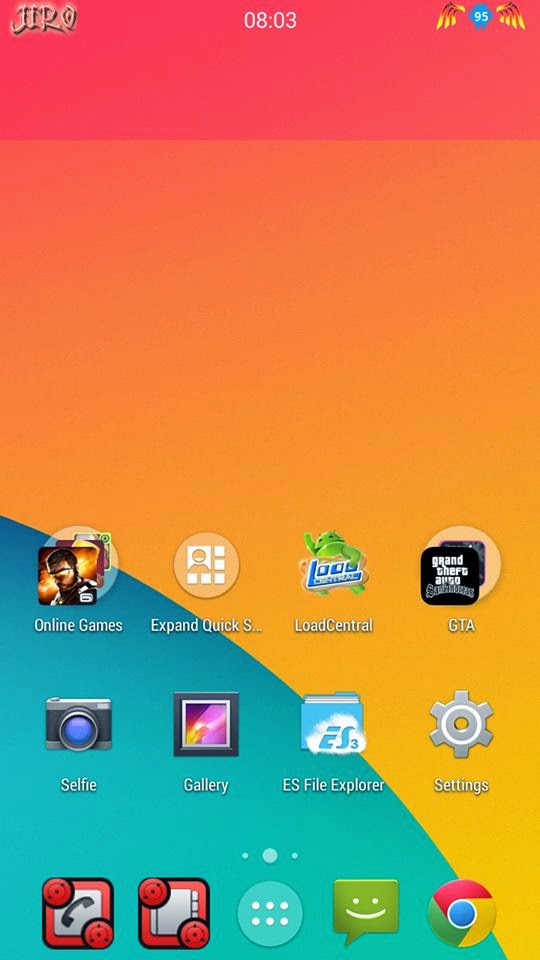
FEATURES: 1) Rooted 2) Zipaligned 3) Deodexed 4) Busybox with init.d support 5) Unsecure boot.img for ADB Access 6) Rom Size Is Just 130 MB 7) gps tweaks 8) Hybrid Signal Bars 9) Extended Power Menu (reboot to recovery) 10)Auto Starts Manager for disabling apps that run on boot 11) Lockscreen Wallpaper 12) Dual Sim Ringer (Found Inside Sim Management) 13) File Commander Added 14) Heavily Tweaked 15) Good Battery Backup 16) New Boot Logo 17) New Boot Animation 18) Trechbuchet Launcher From CM 19) Init.d support 20) Loopy Smoothness Tweaks 21) New Ram Optimization Tweaks 22) CRT Screen OFF NOTIFICATION LED not WORKING :) Screenshot: My own Battery Usage Xperia Theme Modded by ME Installation : Open Root Explorer Go to framework/here then paste it framework-res.apk Go to system/apps then paste it SystemUI.apk, Contacts.apk, Mms.apk, Settings.apk Thats it :) To Change my Name Extract SystemUI change image statusbarlogo.png...